One workflow from first call to final reply
Campaigns, single calls, texts, voicemail and reports work together. Connect your own Twilio numbers; manage provider services and payments directly in Twilio.
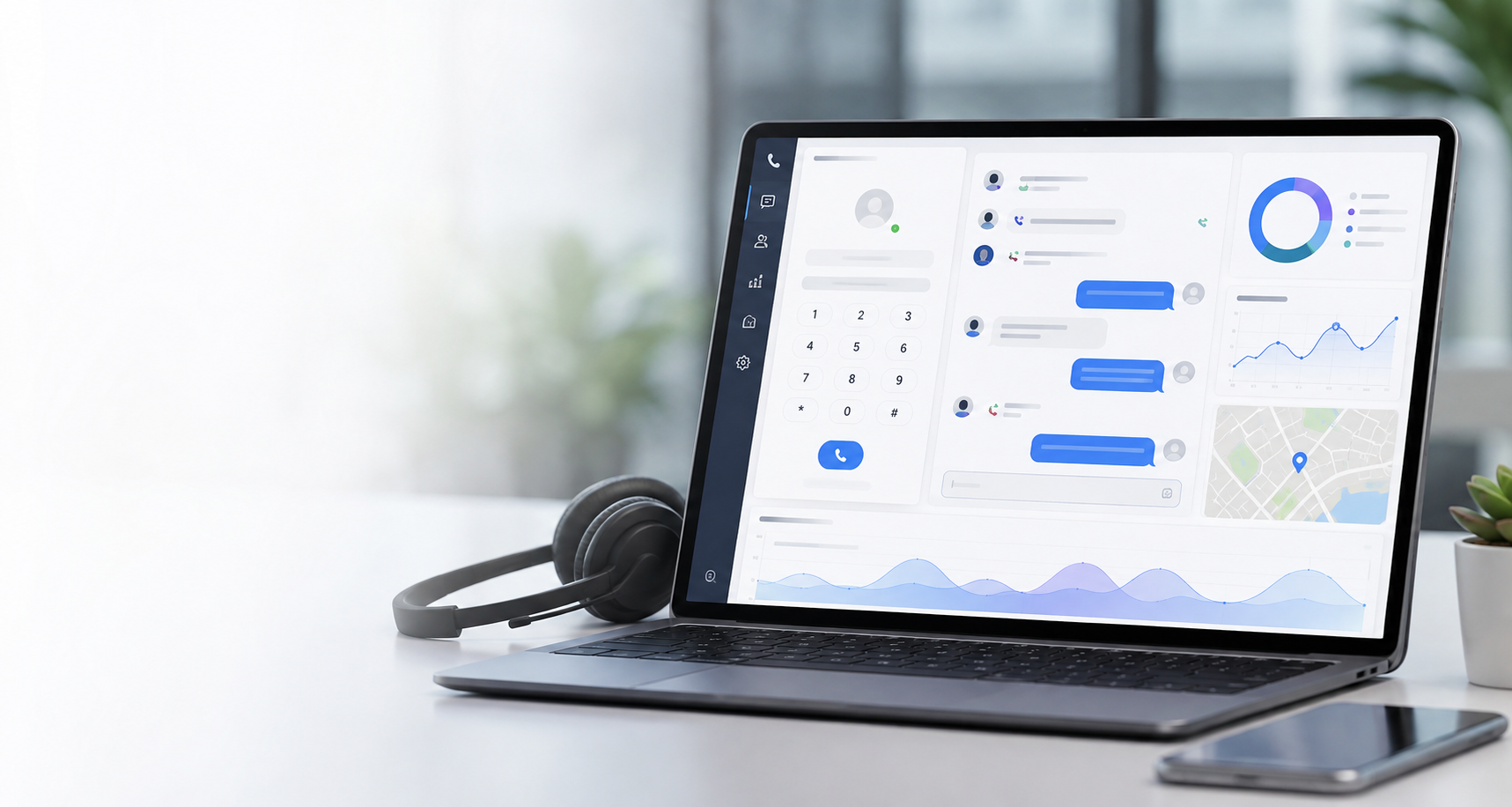
Your Twilio numbers. Your conversations. One workspace to call, text, and keep follow-ups moving. Add campaigns and Lead Gen AI when your team is ready.
Call through Google Sheets lists with lead details beside every call. Part of the Mass Dialer + Mass Texting add-on.
Make and receive single calls from your connected phone numbers. Included with Connect.
Send individual SMS/MMS and keep replies organized by lead, number, and unread activity. Included with Connect.
Personalize texts with sheet placeholders and controlled drip timing. Bundled with Mass Dialer under one add-on.
See calls, texts, voicemail, campaigns, and map-based activity.
Upload greetings, review recordings, and route missed calls with forwarding and voicemail. Included with Connect.
Create your account for free and explore the workspace. Activate Connect to use your Twilio numbers; add-ons are separate subscriptions. All prices below are in USD.
Your everyday calling and texting workspace, using your own Twilio account.
One subscription for both campaign tools. Additional to Connect.
Keep approved text conversations moving, then hand qualified leads to your team. Additional to Connect.
Twilio charges number rental, calls, SMS/MMS, recordings, registration, and provider fees separately. Software subscriptions and free trials do not fund Twilio or replace required messaging approval and recipient consent. Applicable taxes may be added at checkout.
Recommend Digital Dialer with your personal referral link and earn recurring commissions on eligible software subscriptions. Join from your account with active Connect after accepting the affiliate agreement.
Create account to joinTrack referrals, commissions, and payout requests in the Affiliate dashboard. Trials and clicks alone do not earn commission; top-ups and provider charges are excluded. Program eligibility, holds, and payout rules apply.
Use the iOS and Android companion app with active Connect and your connected Twilio numbers at no additional app fee. Make and receive calls, send one-to-one messages, open contacts, and review voicemail away from your computer.
If you want help understanding Digital Dialer, setting up calling and Mass Texting, or planning voicemail routing, reach out directly. We kept this simple on purpose.
Best for product questions, setup help, and early-stage beta conversations.
Serving teams that want a tighter browser-based calling, texting, and voicemail workflow.
Reach out by email and we can point you in the right direction for onboarding or feature planning.

Digital Dialer already adapts to mobile screens. Save it to your home screen so it opens like a quick app shortcut.